
Scope note
This case study covers my Stripe payment work on the earlier ScanSPLTPay product. Current SSP POS interfaces are included to show how the product subsequently evolved.
The Checkout Problem
A shared restaurant bill is one total, but checkout still happens person by person. Each guest needs to know what they owe, choose how to pay, and complete their own part of the bill.
Splitting the total solves the arithmetic. The product still has to turn each guest's share into a payment.
ScanSPLTPay was built around restaurant bill splitting. My role was to close that final step by integrating Stripe into the existing product, working with Martin Bellinger.
That placed the integration at the handoff between bill allocation and payment, where a calculated share becomes a real checkout action.
The Integration Constraint
This was an existing commercial application with its own guest flow, interface, backend boundaries, and product behavior. The Stripe integration had to fit those existing constraints and become a natural continuation of the checkout experience.
That distinction matters with payment work. The visible button is only the point where the customer acts. The product also needs a path between that interaction, the payment provider, and server-side infrastructure.
The job was therefore to add payment capability without treating the rest of ScanSPLTPay as disposable context. Stripe had to fit the product that was already there.
Connecting the Guest Journey to Stripe
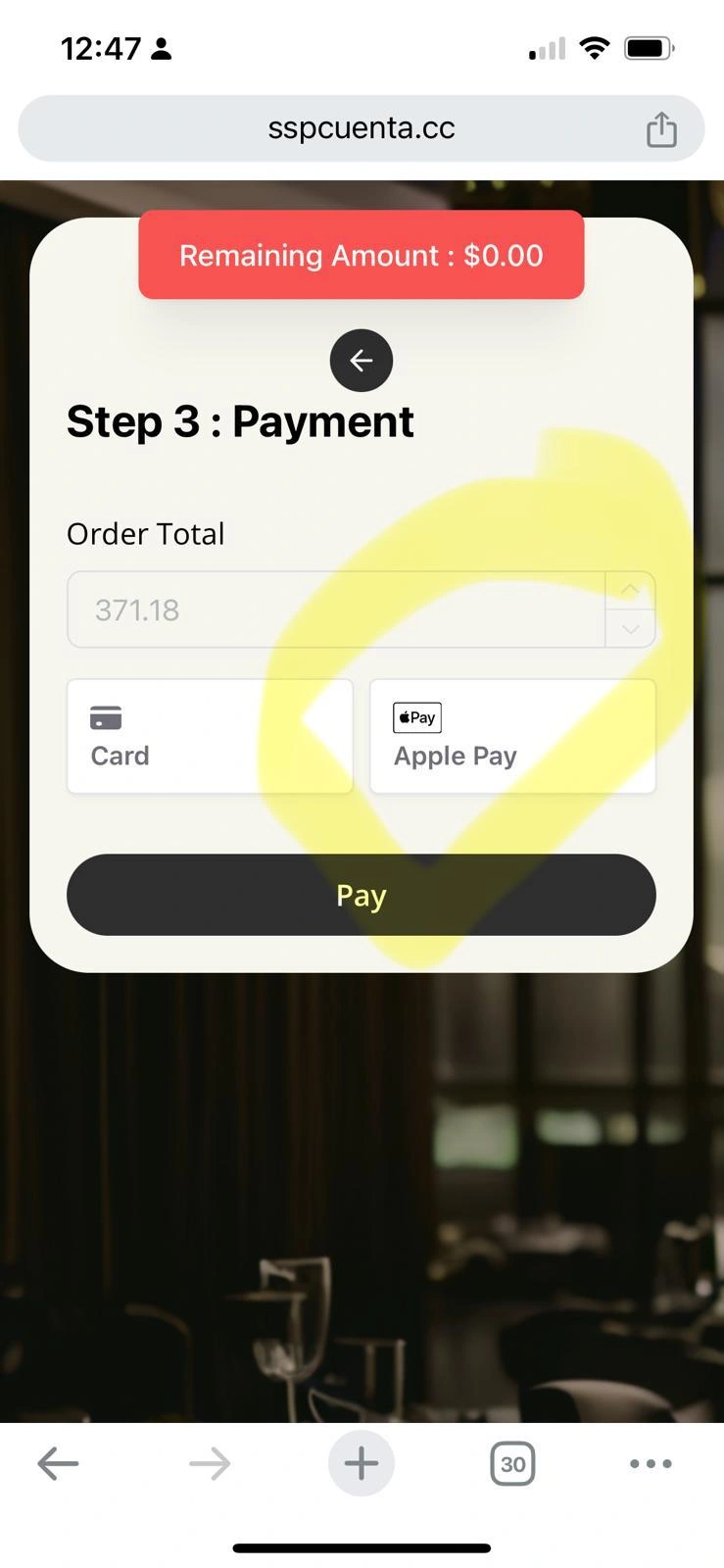
The historical mobile interface shows Step 3 : Payment at sspcuenta.cc.
The screen brings the payment decision into one place:
- Order Total
- Remaining Amount
- Card
- Apple Pay
- Pay
This is the customer-facing part of the feature. A guest who has reached their portion of the bill can continue directly into payment from the same product flow.
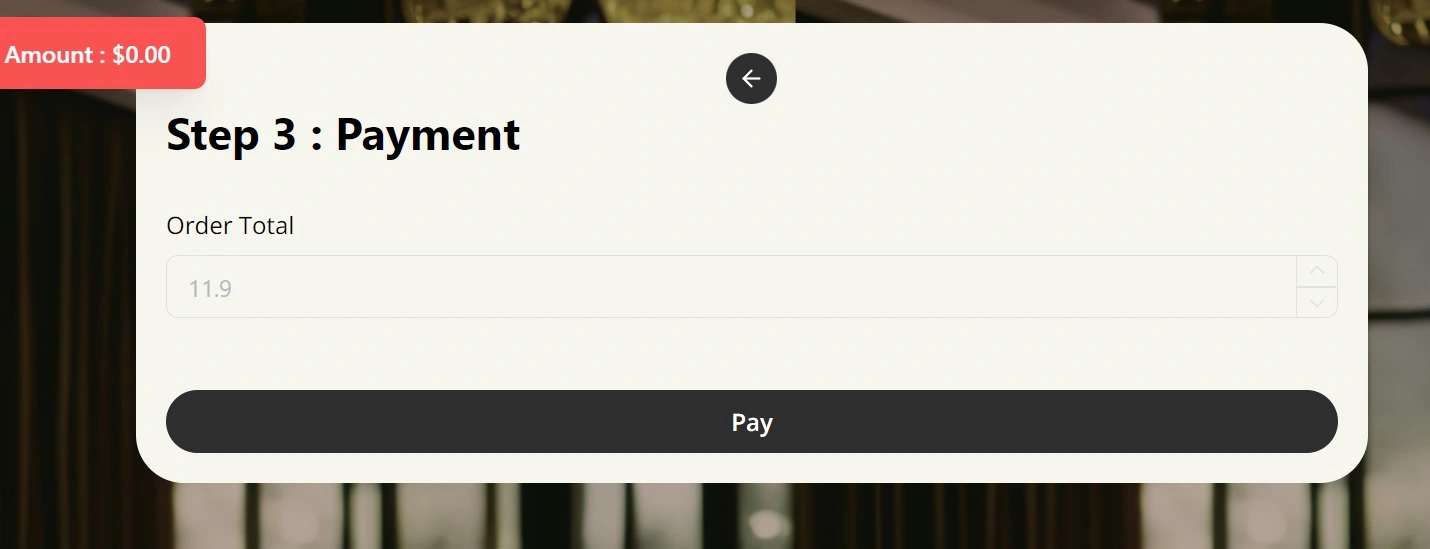
The desktop capture shows the same payment stage in a wider browser layout, with the order amount and Pay action presented inside the same restaurant checkout experience.
Closing the Server-Side Payment Loop
The integration also included a server-side Stripe webhook.
The historical Stripe configuration shows an Active hosted webhook registered to the ScanSPLTPay API domain:
https://api.scansplitpay.com/wp-json/ssp/v1/stripe-webhook
Together, the historical payment screen and webhook show the two visible surfaces of the integration. Guests could initiate payment from the checkout interface, while Stripe had a product-specific event destination inside the ScanSPLTPay infrastructure.
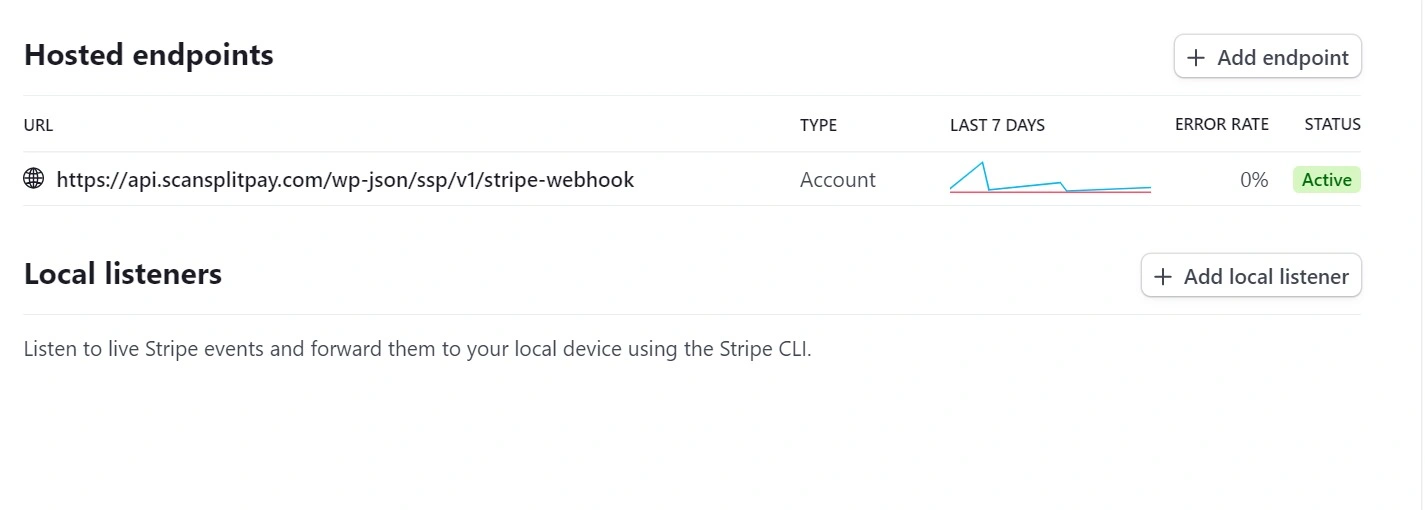
The surviving artifacts do not expose every internal handler, but they establish an important architectural fact: the payment work crossed both the guest-facing checkout and a server-side Stripe integration point.
Payment Architecture
At the level supported by the surviving project artifacts, the system can be represented as a short path from bill allocation into payment processing and then into the product's Stripe event endpoint.
Conceptual reconstruction based on surviving historical product artifacts.
Working Inside an Evolving Product
The main application used TypeScript and React. Its earlier API architecture included GraphQL, with the codebase later moving toward tRPC.
I was delivering the Stripe capability while that surrounding architecture continued to evolve. My responsibility in this engagement was the payment integration; the API migration provides context for the codebase I was working inside.
That context matters because integration work rarely happens in a frozen application. A feature still has to fit the product while internal boundaries, APIs, and implementation choices continue changing around it.
From ScanSPLTPay to SSP POS
The product continued developing after my engagement.
Today, SSP POS positions Scan. SPLT. Pay. as its guest-facing restaurant experience, with SPLT.ca serving as the public guest application.
The earlier bill-splitting and payment concept now sits inside a broader restaurant software family. SSP's current product page identifies the guest experience as powered by SPLT and presents it as part of the SSP POS ecosystem.
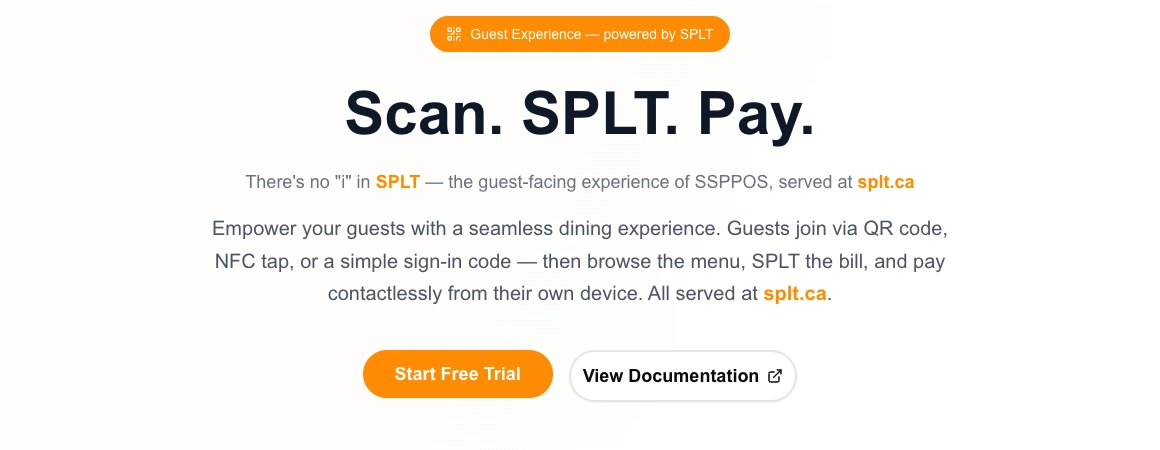
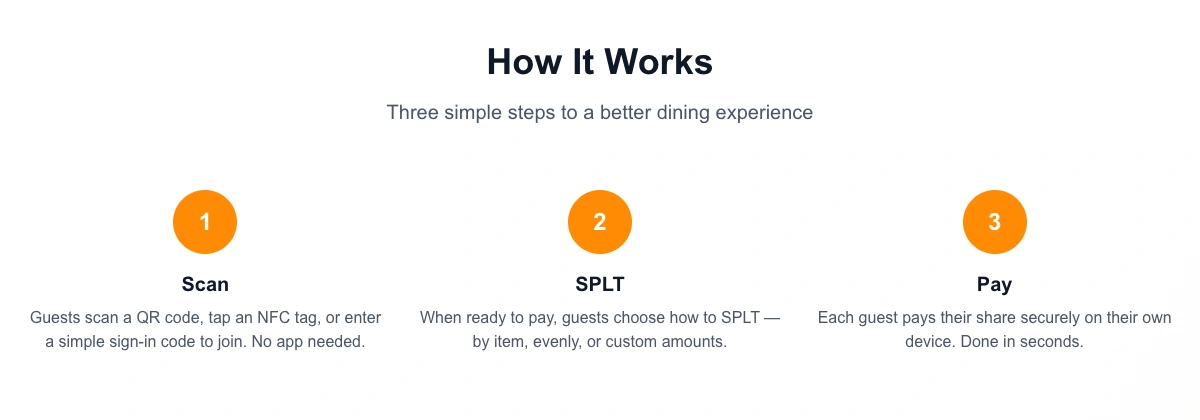
The current public workflow follows Scan → SPLT → Pay: join a restaurant session, choose how to divide the bill, and pay from a guest device.
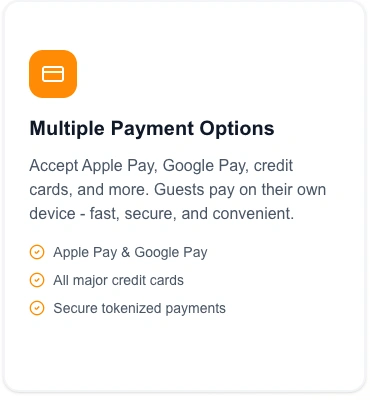
SSP's current feature page advertises Apple Pay, Google Pay, major cards, and tokenized payments.
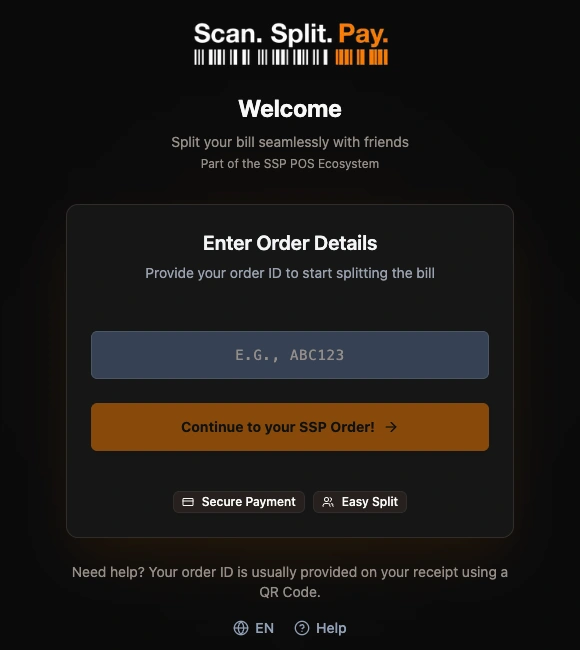
The public SPLT.ca welcome screen connects the guest experience directly with the SSP POS ecosystem and gives diners an entry point using their order ID.
Product Lineage
The current SSP product family extends beyond guest checkout into restaurant management, waiter workflows, and kitchen operations. Its official documentation also covers Waiter Mobile and a Plugin SDK.
Product evolution from the earlier ScanSPLTPay application into today's broader SSP POS ecosystem.
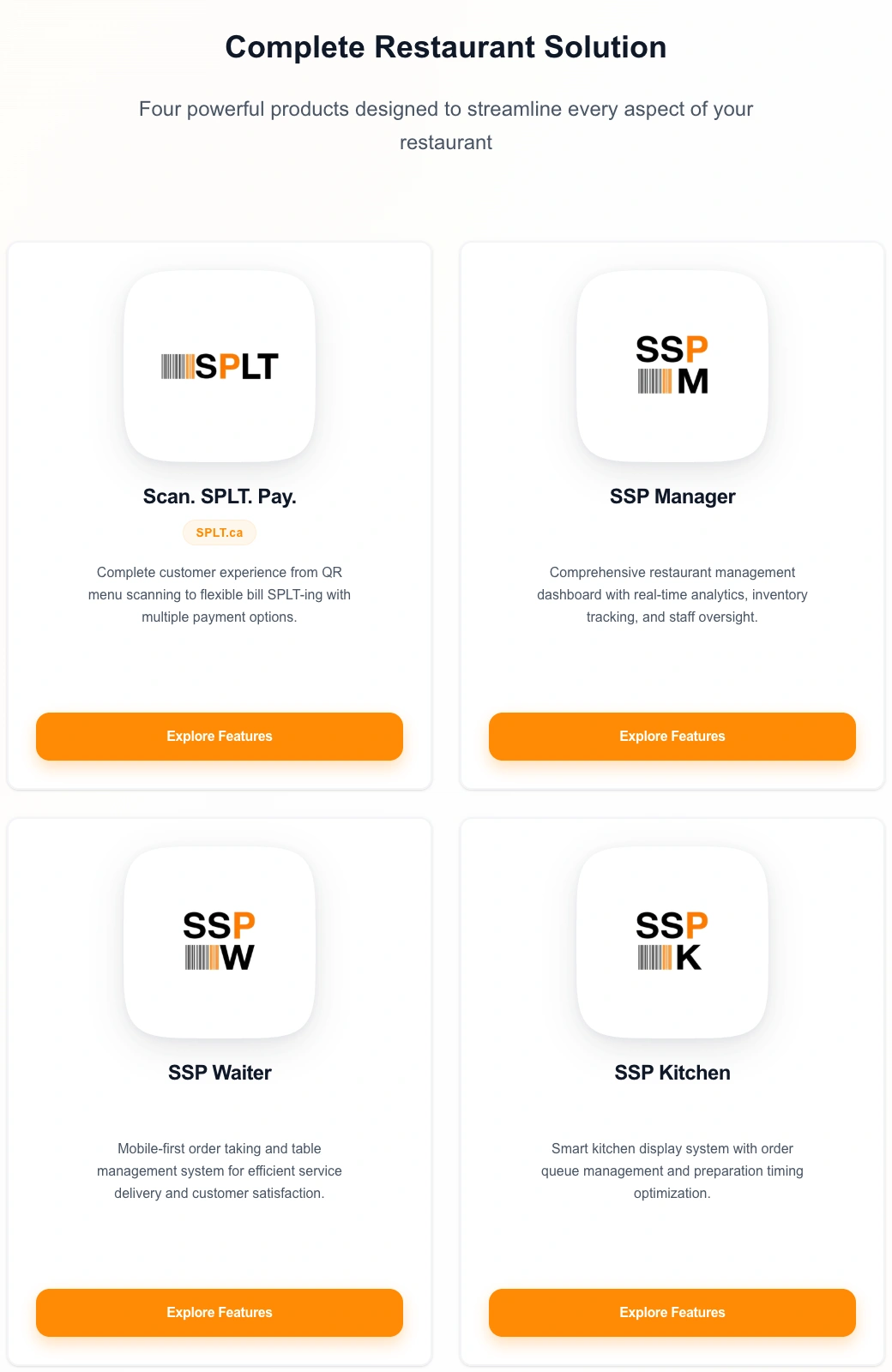
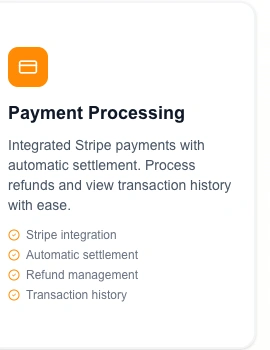
Payments also remain visible in the current platform's public positioning. SSP Manager's feature page explicitly references integrated Stripe payments alongside its broader back-office capabilities.
What the Engagement Demonstrates
Adding payments to an existing product requires more than knowing the payment API. The guest journey, application architecture, and external service all have to work as one system.
In ScanSPLTPay, my contribution was to bring Stripe into that existing system, connecting a real guest checkout with a product-specific server-side webhook while working inside an application whose API architecture was also evolving.
For an existing SaaS product, the same engineering pattern applies: understand the application that already exists, identify where the external service belongs, and deliver the integration without losing sight of the surrounding product.
View the concise ScanSPLTPay project overview.
If an existing SaaS product needs payments or another third-party service integrated into its current workflow, let's discuss the integration.